Arabian Keyboard Controls
Master movement before Speed turns the Arabic keyboard into a slingshot.
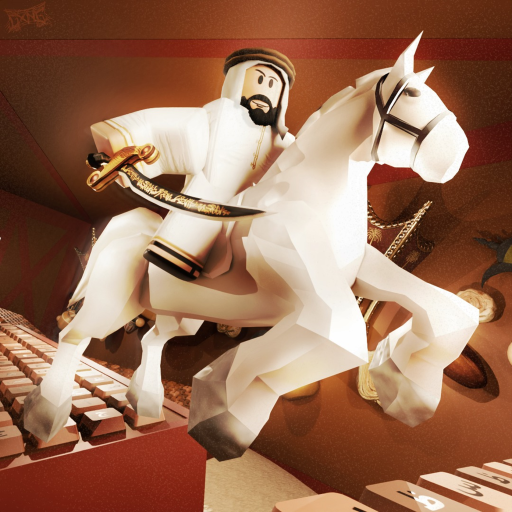
Controls decide whether Arabian Keyboard feels satisfying or infuriating. As Speed climbs on VFB Studios’ map, the same WASD hold that worked at the start will fling you into the void. This guide covers PC, mobile, and high-Speed habits.
Default Roblox controls
| Action | PC | Mobile |
|---|---|---|
| Move | WASD / arrows | Virtual joystick |
| Jump | Space | Jump button |
| Camera | Right-drag / mouse | Swipe |
| Zoom | Scroll wheel | Pinch |
| Menu | Esc | Roblox menu icon |
Arabian Keyboard uses this foundation, then layers simulator UI for Codes, Trails, Rebirth, and Shop.
High-Speed movement rules
- Tap, do not hold when your Speed is extreme.
- Pre-aim the camera before a corner so you steer with intention.
- Release forward just before landing on thin keys.
- Jump sparingly—jumping can ruin alignment more than it helps.
- Brake with short opposite taps if the build allows deceleration through input.
Practice these on early lanes even after you are strong; muscle memory transfers.
UI buttons you will use constantly
- Code / Gift — see how to redeem
- Trails / Shop — spending covered in how to get Wins
- Rebirth — timing in progress fast
- Teleport (if unlocked) — quality of life after multipliers are healthy
Mobile-specific advice
- Landscape mode for wider joystick travel.
- Lower graphics if input delay spikes on busy servers.
- Keep thumbs clear of the jump button unless a gap requires it.
- Paste codes with long-press; watch for trailing spaces.
Co-op courtesy
When playing with friends (Players Hub), avoid body-blocking narrow keys. Call out Rebirth pauses so nobody knocks you off a pad. Shared sessions are more fun when movement is disciplined.
Training drill (10 minutes)
- Run a beginner lane at normal Speed focusing on clean camera.
- Equip a stronger Trail or claim a Speed gift.
- Repeat the lane using only taps.
- Note where you fall; slow one step earlier next try.
- Finish by banking Wins so practice still pays.
Related reading
Return to Getting Started if systems feel fuzzy, then push pace with progress fast. Compare whether a Speed Coil or Tier pass would help using gamepasses.
Good controls convert Arabian Keyboard’s Arabic spectacle into readable platforming. Bad controls waste every code and Trail you earned.
Accessibility and comfort
Lower camera sensitivity if high Speed makes you nauseous. Increase UI scale on mobile if you mis-tap Jump. None of that is “less skilled”—stable input is the skill. Players with limited playtime should prioritize comfort settings so their short sessions still bank Wins.
If you use a controller on PC, test whether thumbstick acceleration fights your tap style. Some players prefer keyboard only for this genre because digital taps are cleaner than analog drift on thin keys.
Revisit this guide after every big Trail or gamepass purchase. New Speed changes old habits. Controls are not a beginner-only chapter; they are a maintenance manual for Arabian Keyboard.
Closing note for this page
Keep practicing taps on familiar Arabic keyboard lanes until high Speed feels readable, then push a harder route with the same camera discipline.
Linking controls to new progression pages
Once taps feel stable, practice them on the routes in map stages and keep Rebirth timing honest with how to Rebirth. Controls skill without pad discipline still starves Trails—pair this page with common mistakes whenever you tilt after a wipeout streak.
Controls after Trail upgrades
Every stronger Trail changes how early you must release forward. Re-run your comfort lane once after each purchase before you attempt a harder Arabic keyboard stage with friends watching.
Frequently Asked Questions
Quick answers to the most common questions.
Why do I keep flying off the map?
Your Speed outgrew your input style. Switch to short taps, pre-aim corners, and release forward before landings.
Is shift-lock required?
No. Many players prefer default camera. Use whatever keeps keys readable at your Speed.
Does jumping make me faster?
Usually not. Jumping is for gaps; overusing it misaligns landings on keyboard keys.